File
A file represents the content of a digital document stored on a file system, which itself relies on a storage medium (hard drive, SSD, USB stick, CD, DVD, etc.). Each file is defined by its media type, extension, size, and SHA-256 hash fingerprint.
Each file is unique, so two files cannot share the same SHA-256 hash. This mechanism ensures storage space optimization in the Djehooty application by avoiding unnecessary duplication.
All files imported into the Djehooty application are duplicated and placed in the User Directory folder. Your original files are therefore never manipulated.
Supported Files
All file types can be imported into Djehooty. Not all formats are supported yet. Only images can be viewed. New formats will be supported soon.
Import a File
You can import files into Djehooty in two different ways.
- By drag and drop
- From a URL
By drag and drop
Drag and drop your files from your computer's file explorer into the designated area on the Import page.
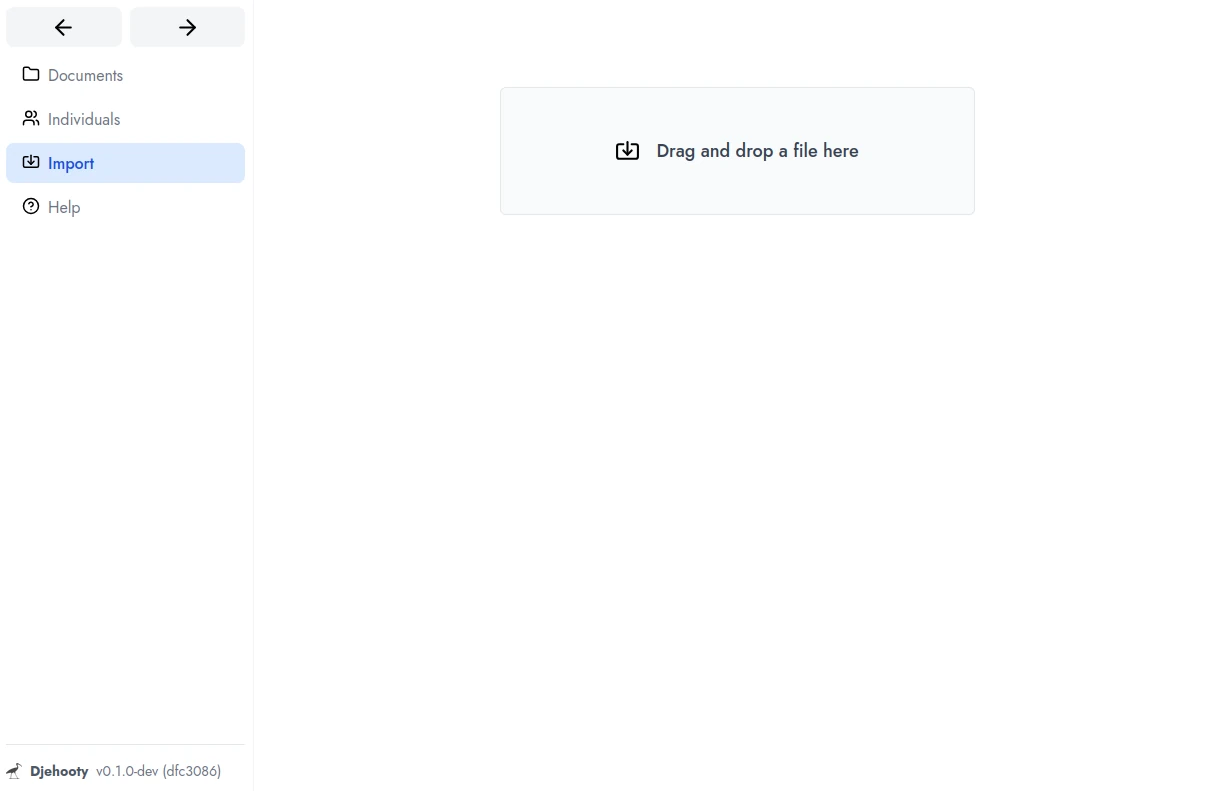
You can also browse for the files you want to import by clicking on the Drag/Drop box.
From a URL
Provide the URL of a remote file and submit it to Djehooty, which will download and import it for you.
Import mechanism
The import process quickly returns control to the user and then runs asynchronously in the background. The operation will create a file, file instance, and document in the database, then copy the file into the User Directory folder and also generate the associated thumbnail. If you interrupt Djehooty during this phase, the import tasks will automatically resume the next time the application starts.
You can then go to the Documents tab to view the files you just imported.